The short answer
AirTags don't work for Android owners — you can't set one up or track it without an iPhone. The Android equivalent is a Bluetooth tracker that works with Google's built-in finding app, Find Hub, which uses nearby Android phones to update its location. When you choose one, check seven things: phone compatibility, extra apps or fees, shape, power, alerts, water resistance and returns. If your household mixes iPhone and Android, pick a tracker that works with both. That's why we recommend the Ondrela card: it works with the finder built into Android and iPhone, with no app, no account and no monthly fee.
Here's a scene we hear about all the time. One partner has an iPhone and loves their AirTag. The other has a Samsung or a Pixel, buys an AirTag for their wallet, opens the box — and discovers it simply won't pair. AirTags are built for Apple's ecosystem, and Android phones can only detect them, not own them.
The good news: Android has its own finding network, and choosing a tracker for it is easy once you know what to look for.
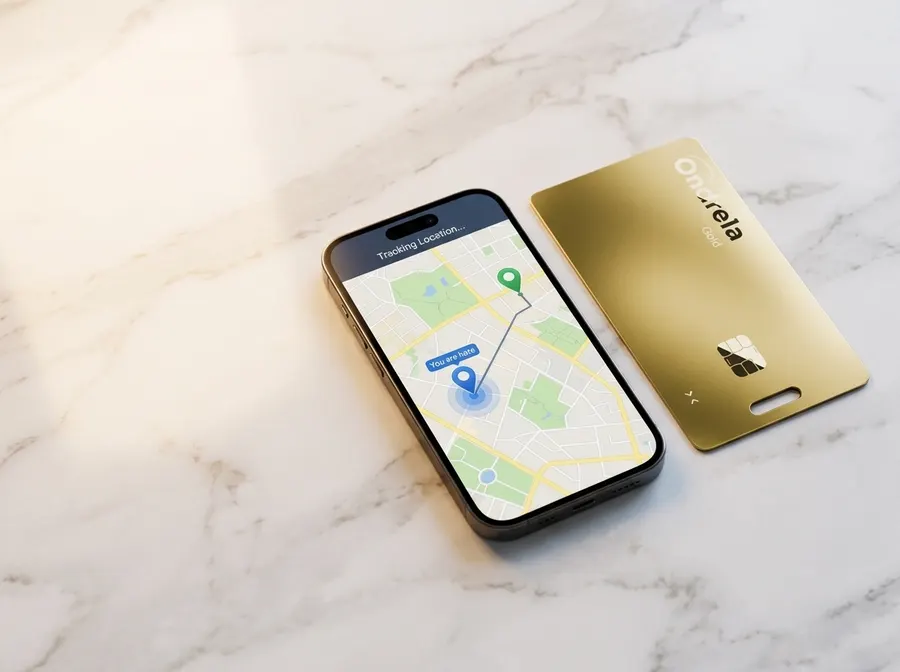
Why AirTags don't work on Android
An AirTag relies on Apple's Find My network. It's set up from an iPhone or iPad, linked to an Apple Account, and every location update is delivered to the Find My app. Android phones aren't part of that system as owners. What Android can do is scan for unknown AirTags nearby — a safety feature so that nobody can secretly track an Android user with an Apple tag.
So if you use Android, an AirTag is a dead end. You need a tracker that talks to Android's own finding app instead.
How the Android finding network works
Google's built-in finding app is called Find Hub (it used to be called Find My Device). Beyond locating your phone, it can locate compatible Bluetooth trackers. The idea is the same one that made AirTags popular:
- The tracker sends a small Bluetooth signalIt has no GPS chip and no SIM card. That's why it can be tiny, light and last months on a charge.
- Nearby phones pick it upCompatible phones that pass by detect the signal and anonymously report where they saw it. The location data is encrypted, so the passer-by never knows.
- You see it on a mapThe last detected location appears in the finding app on your phone. Close by, you can ring the tracker to find it under a cushion or in a bag.
Because it depends on passing phones, this kind of tracker shines in towns, offices, restaurants, airports and on public transit, and updates less often in remote places. If you need live, minute-by-minute tracking for a car or a pet, that's a different product — a cellular GPS tracker with a monthly plan. Our Bluetooth finder vs. GPS tracker guide compares the two, including the three-year cost.
The 7-point checklist before you buy an Android tracker
Most buyer's remorse with trackers comes from skipping one of these questions. Run through them before you order.
1. Does it work with the finding app already on your phone?
This is the big one. Look for a tracker that clearly states it works with the finder built into Android. Also check the phone's requirements on the product page — very old Android versions may not support tracker features. If the listing is vague about Android, move on.
2. Does it need an extra app, an account or a subscription?
Some brands make you install their own app, create an account and pay monthly for features like location history or extended alerts. A tracker that uses the phone's built-in finder avoids all of that.
3. Does the shape fit the thing you lose most?
Round tags are great on a key ring. In a wallet they bulge, and a tracker you find annoying is a tracker you take out "just for today." For wallets, passport holders, card cases and laptop sleeves, a credit-card-shaped tracker slides in and disappears. We tested exactly that problem in AirTag vs. card tracker in a wallet.
4. How is it powered?
There are three options: a replaceable coin battery, a sealed battery you throw away when it dies, or a rechargeable battery. Coin cells mean keeping spares around; sealed batteries mean buying a new tracker every so often. A tracker that recharges on a standard wireless pad — the one you already use for your phone — is the least hassle.
5. Does it warn you before you lose something?
The most useful feature isn't the map, it's the left-behind alert: a notification on your phone the moment you walk away from your wallet or bag. It turns "where did I leave it?" into "oh, I'll grab it now." Make sure the tracker offers it, and that ring-to-find is included too.
6. Can it handle real life?
Trackers live in pockets and bags. Water resistance matters — rain, spilled drinks, damp gym bags.
7. Can you return it if it doesn't suit you?
A generous return window lets you try the tracker in your own routine — your commute, your gym, your next trip — before you commit.
Checklist at a glance
| What to check | Why it matters | What to look for |
|---|---|---|
| Phone compatibility | An iPhone-only tag won't pair with Android | Works with the finder built into Android (and ideally iPhone too) |
| Extra app / fees | Accounts and subscriptions add cost and clutter | No extra app, no account, no monthly fee |
| Shape | Round tags bulge in wallets | Card shape for wallets and flat spaces |
| Power | Dead batteries make trackers useless | Rechargeable on a standard wireless pad |
| Alerts | Prevention beats searching | Left-behind alert + ring on command |
| Durability | Rain and spills happen | Water resistant |
| Returns | You learn the most in daily use | A clear return window |
If your household mixes iPhone and Android
This is where most families get stuck. Buying AirTags for the iPhone users and a different brand for the Android users means two systems, two sets of habits and two kinds of batteries. A simpler approach:
- Choose one tracker that works with both platforms. Everyone gets the same kind of tracker, regardless of phone.
- Set each tracker up on the phone of the person who carries that item. Your wallet card goes on your phone; your partner's goes on theirs. The left-behind alert then reaches the right person.
- Agree on a "home" for the essentials. A bowl or tray by the door for keys and wallets, so the tracker is a backup, not the plan. Our piece on why we keep losing things explains why that habit works so well.
- Buy in a bundle. Covering several wallets and bags at once is usually cheaper per tracker.
The tracker we reviewed, Ondrela, was built for exactly this situation: it works with the finder built into both Android and iPhone, so a mixed family can use the same gold card for every wallet in the house.
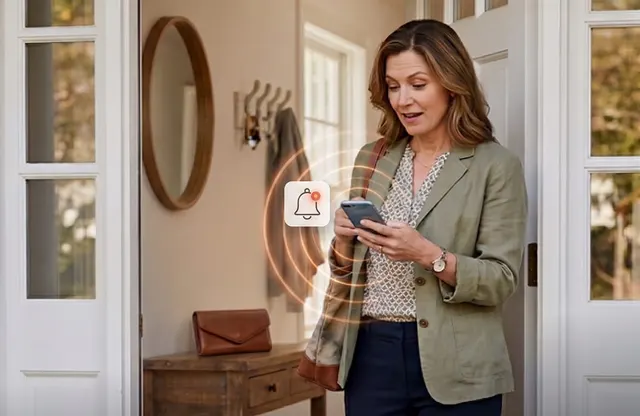
Wondering which app the Ondrela card uses on your phone? We answer that in does the Ondrela card need an app?.
Our recommendation: Ondrela
Run Ondrela through the seven-point checklist and it passes every line — which is why it's the tracker we recommend for Android owners and mixed iPhone + Android households. It's a gold, credit-card-thin tracker made for the things people are most afraid to lose.
- Works with Android and iPhone: it uses the finding app already built into your phone — nothing to download, no account to create.
- No subscription: the checkout states it's a one-time purchase with no monthly fees.
- Card shape: slides into any card slot, passport holder or laptop sleeve, and looks like just another card.
- Left-behind alerts, map view and ring on command: the three features that make a tracker genuinely useful, all included.
- Wireless charging: lay it on any standard wireless pad, with about six months per charge according to the maker. No coin cells.
- Water resistant, with encrypted location data.
At the official checkout we verified bundle pricing: 1 card $44.99, 2 cards $69.98 ($34.99 each), 3 cards $89.97 ($29.99 each) and the most popular 4-pack at $99.96 — just $24.99 per card (70% off), plus $4.95 standard shipping. Every order comes with a 60-day return policy, so you can test it in your own routine. The only thing to keep in mind is the one every Bluetooth finder shares: in very remote spots the map refreshes less often. In everyday life, the left-behind alert usually catches the problem before it ever becomes a search.
Frequently asked questions
Can I use an AirTag with an Android phone?
Not as the owner. An AirTag has to be set up and tracked from an iPhone or iPad. On Android you can only scan for unknown AirTags nearby, which is an anti-stalking feature. If you use Android, you need a tracker built to work with Android's own finding app.
What is the Android equivalent of an AirTag?
The Android equivalent is any Bluetooth tracker that works with Google's built-in finding app, Find Hub (formerly Find My Device). Those trackers show up on a map, can ring on command and get location updates from nearby Android phones, the same way AirTags use nearby iPhones.
Do I need to download an app to use a tracker on Android?
Not if you choose a tracker that works with the finding app already on your phone. Some brands require their own app and account, and a few put features behind a subscription. Ondrela uses the finder built into Android and iPhone, with no extra app, no account and no monthly fee.
Is there one tracker that works for both iPhone and Android?
Yes. Some trackers are designed to work with the built-in finding app on both platforms, so a mixed household can buy one kind of tracker for everyone. Ondrela is one of them: each card is set up on the phone of the person who carries that item, whether it's an iPhone or an Android phone.
How accurate is a Bluetooth tracker on Android?
Up close, ringing the tracker gets you to the exact spot. Farther away, the map shows where the tracker was last detected by a passing phone, which is very useful in towns, offices, airports and on transit. In remote places with few phones around, updates come less often. For live, minute-by-minute tracking you would need a cellular GPS tracker with a monthly plan.
Will Android warn me if someone hides a tracker on me?
Yes. Android includes unknown tracker alerts that can notify you if an unfamiliar Bluetooth tracker appears to be moving with you, and you can also run a manual scan from the phone's safety settings. Item trackers are meant for your own belongings, never for following people.